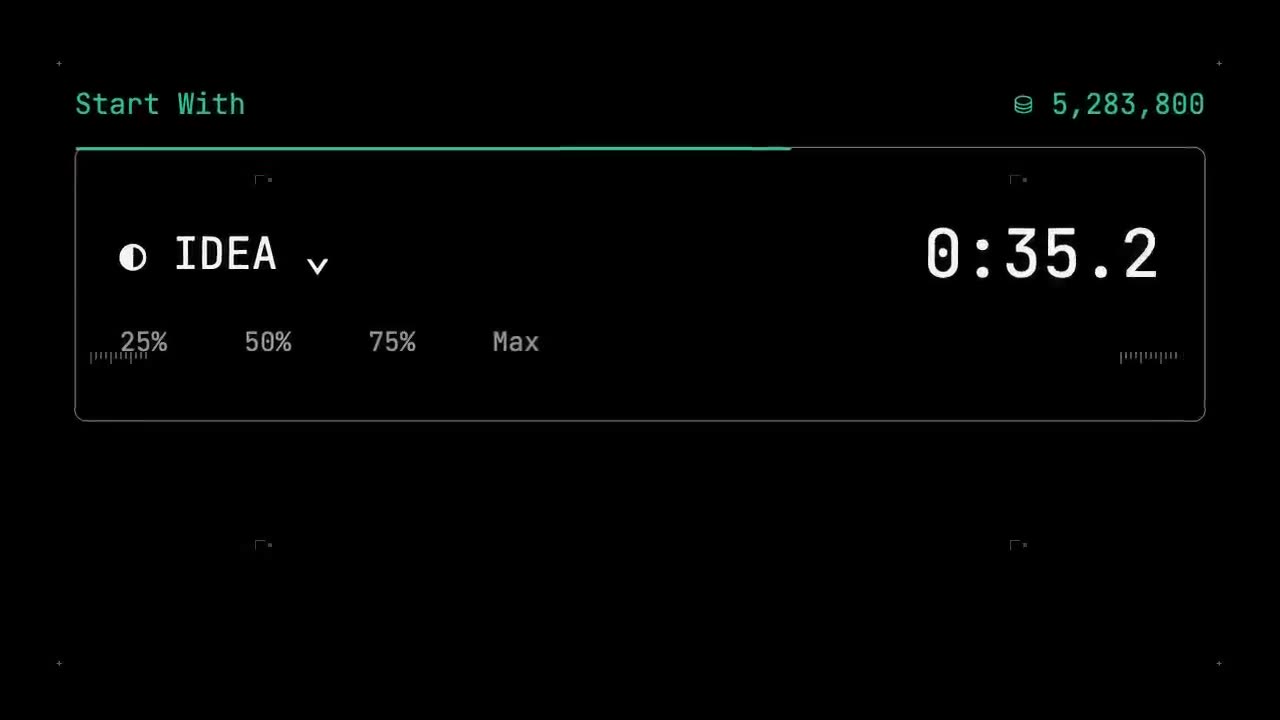
Tech graphic launch video
Announce a launch as mono labels, schematic panels and live numbers.
Chat with Videoclaw to make any video possible. Launch videos, product demos, marketing videos, ads… For you or your business. Just by yourself.
Try it for freeTell Videoclaw what video you want to create. Start with your own idea, paste a reference link, or attach raw footage.
Ask Videoclaw to research and draft scripts. It generates voiceovers in any voice (including your own). You can also record yourself with our built-in teleprompter.
Generate talking AI avatars, videos and images. Or ask Videoclaw to find media on the web. Doing a documentary style video? It can also include relevant articles into your video.
Videoclaw will show you the final video once it’s done. Watch it, tell it what to change, until you are happy with the final result.
Download the final result on the media sidecar.
And much more…
And much more…
Skip the drawing board. We’re curating an ever-expanding list of trends, formats and styles you can use instantly.
Announce a launch as mono labels, schematic panels and live numbers.

Your interface redrawn at hero scale and animated.
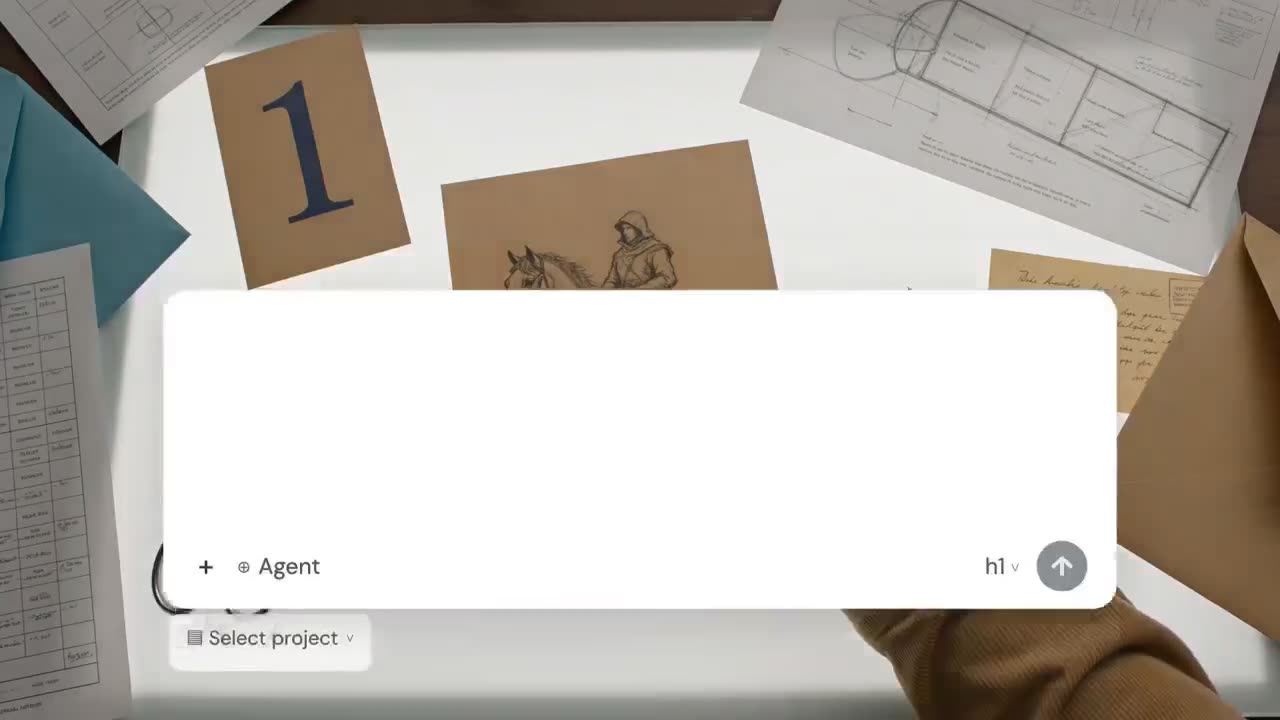
Feed it one typed line, get a film that opens into the world it describes.
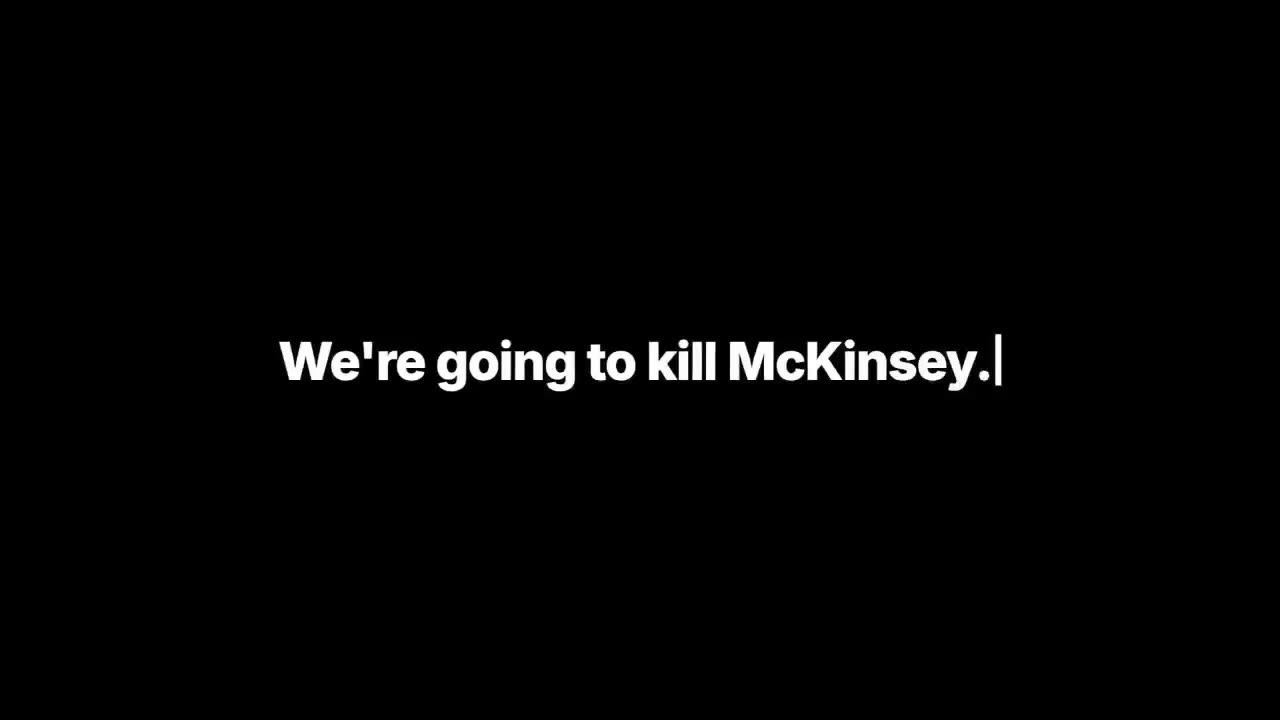
Turn a script into big words on black, footage behind, paced to your read.
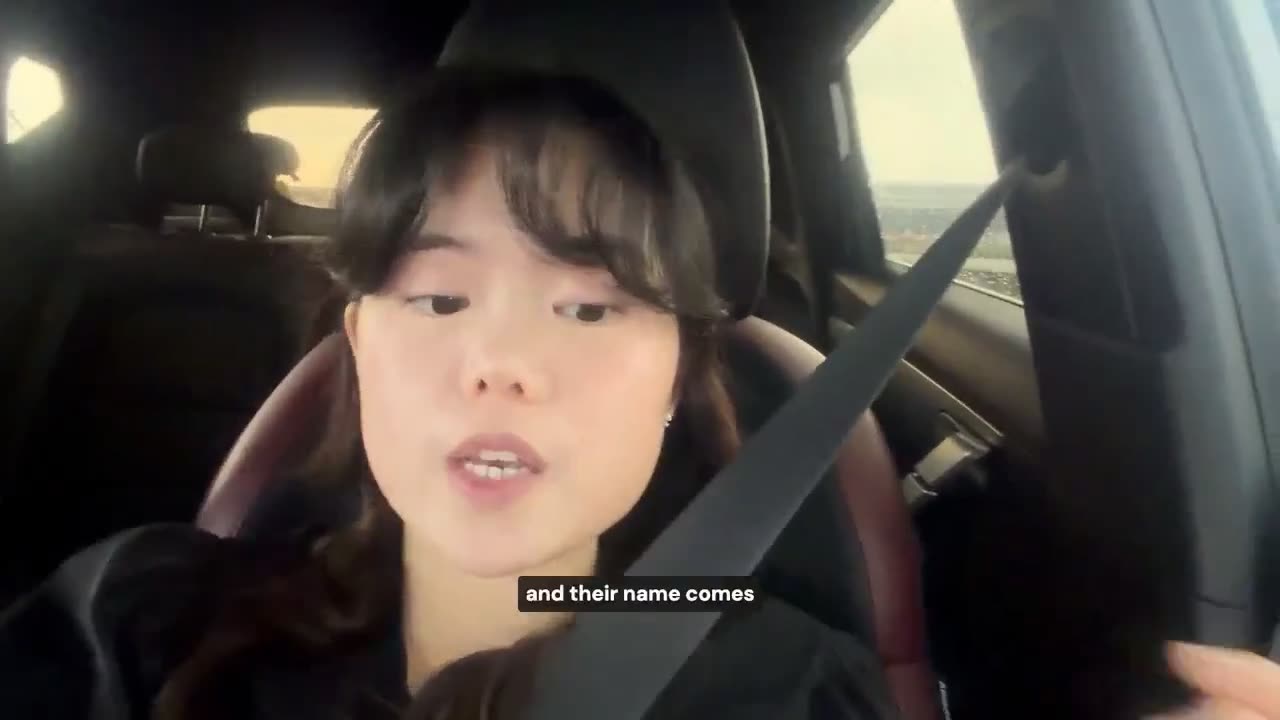
Film yourself and give us a screen recording of your product, get a launch film that sells.
Show the product on screen and get a demo cut to the beat of what it does.
 @itsemilyhiggins@emilyissocial
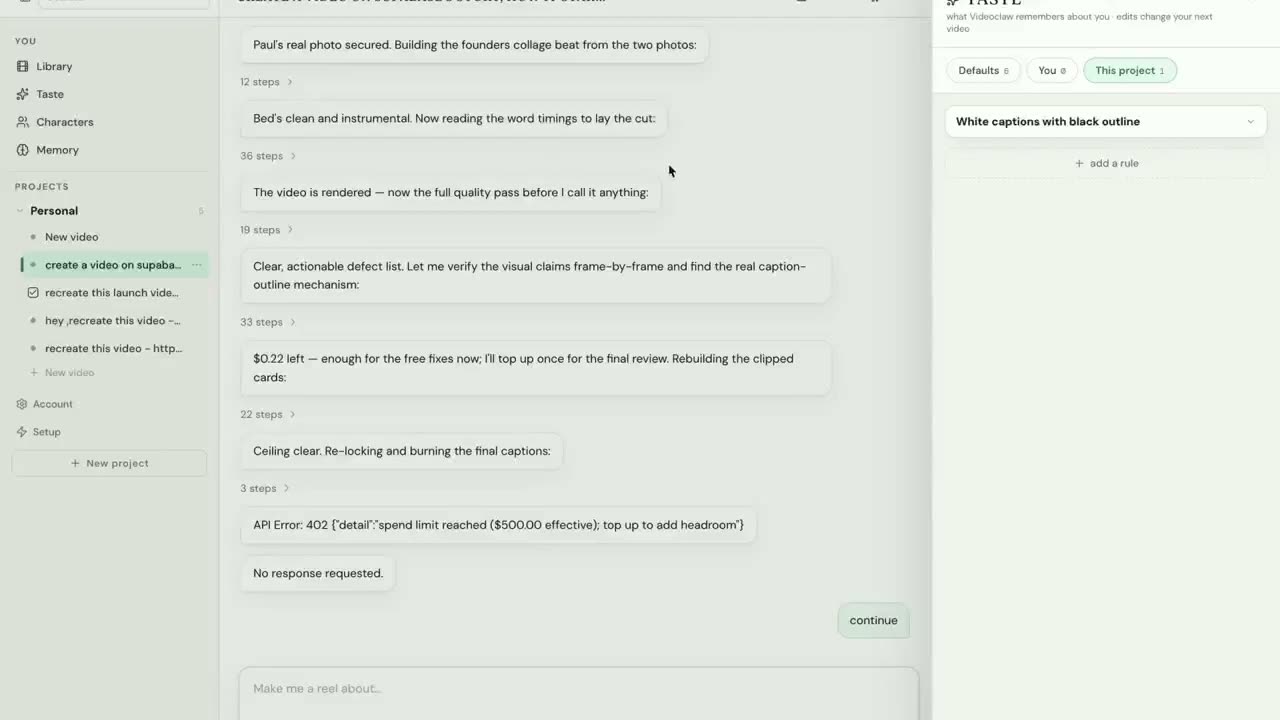
Turn a topic into a reel where words sit on real surfaces in the shot.
 @arthurcbrooks@arthurcbrooks
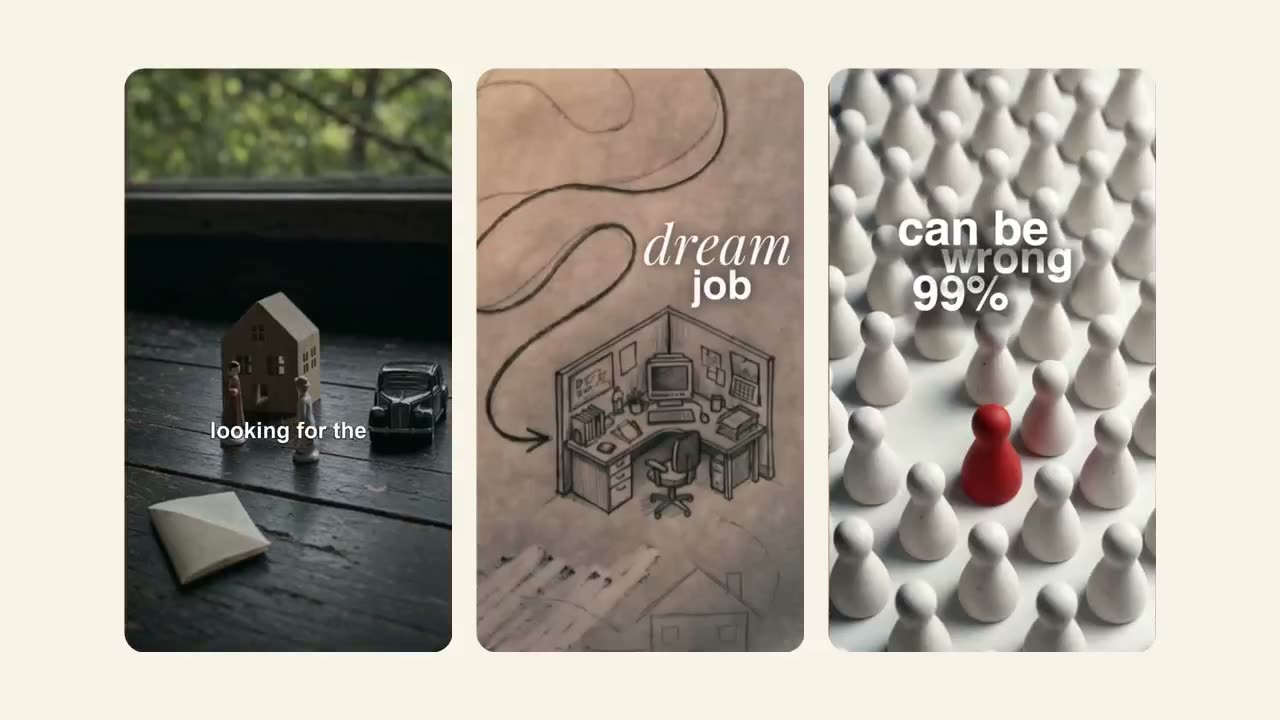
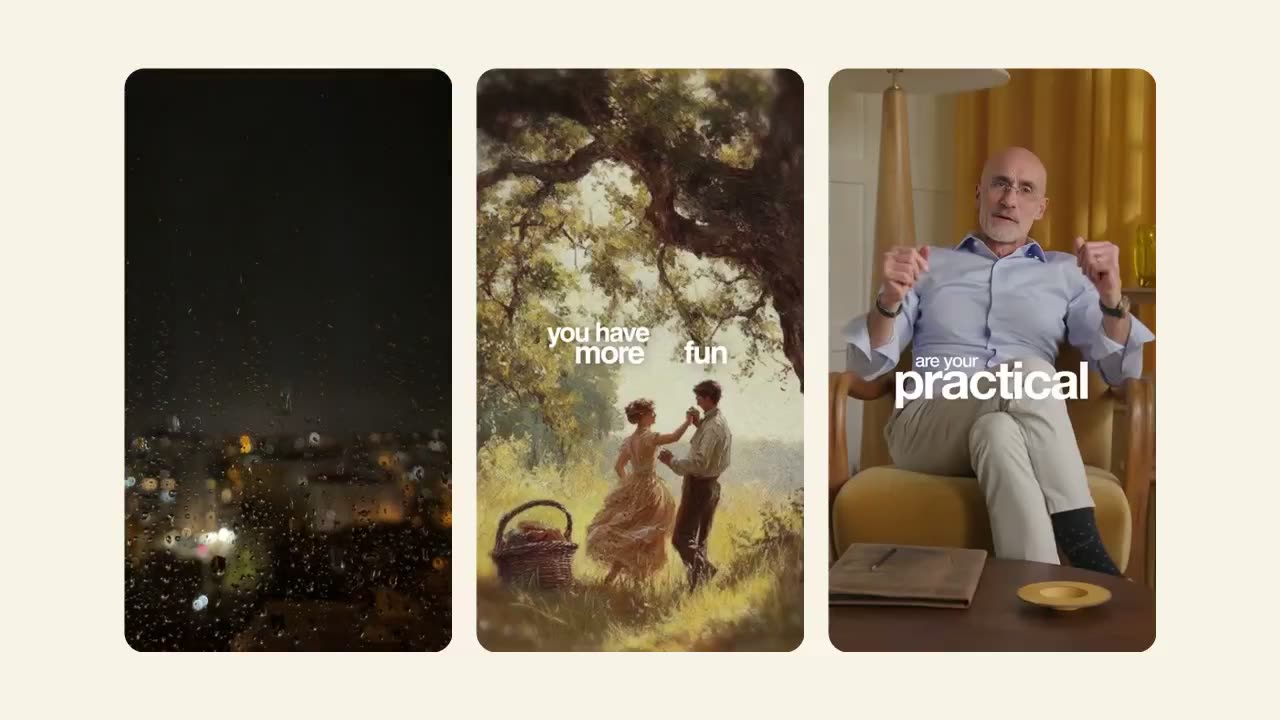
Turn a video clip into a podcast style a-roll with full screen, painter-like b-rolls.
 @bryanjohnson_@bryanjohnson_
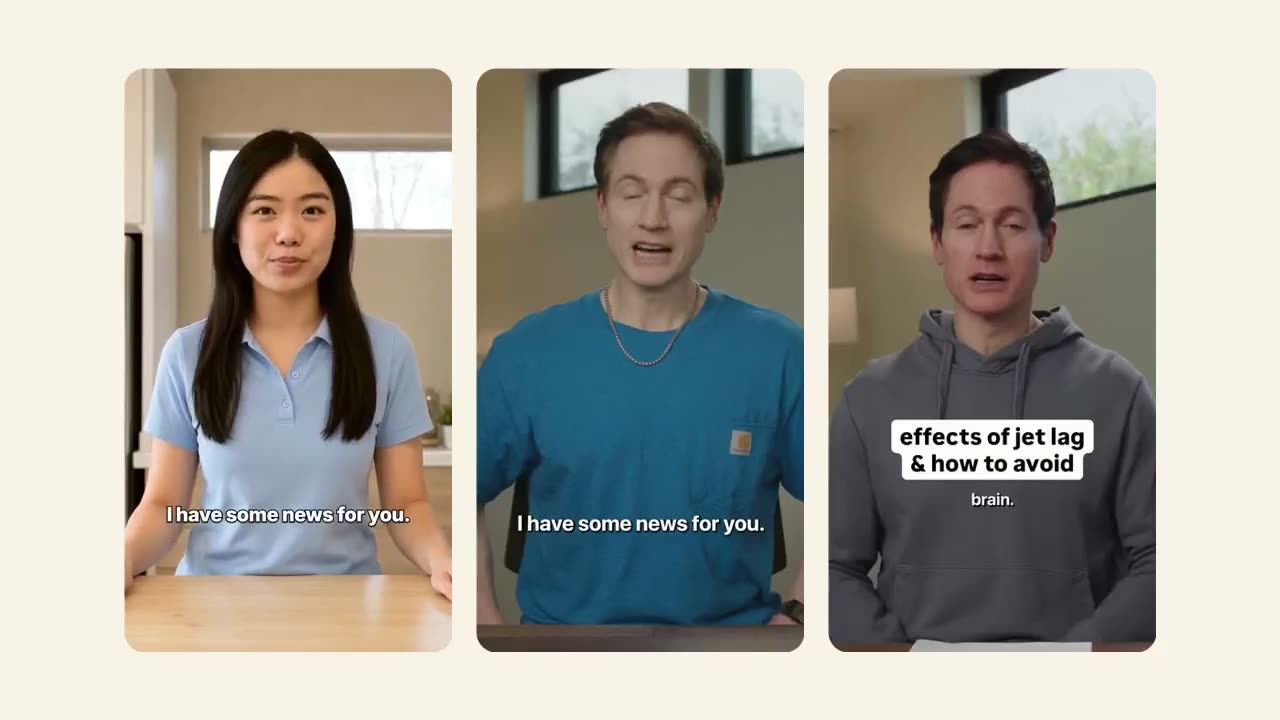
Get a clean, modern-looking talking head video with motion graphic b-roll animations.
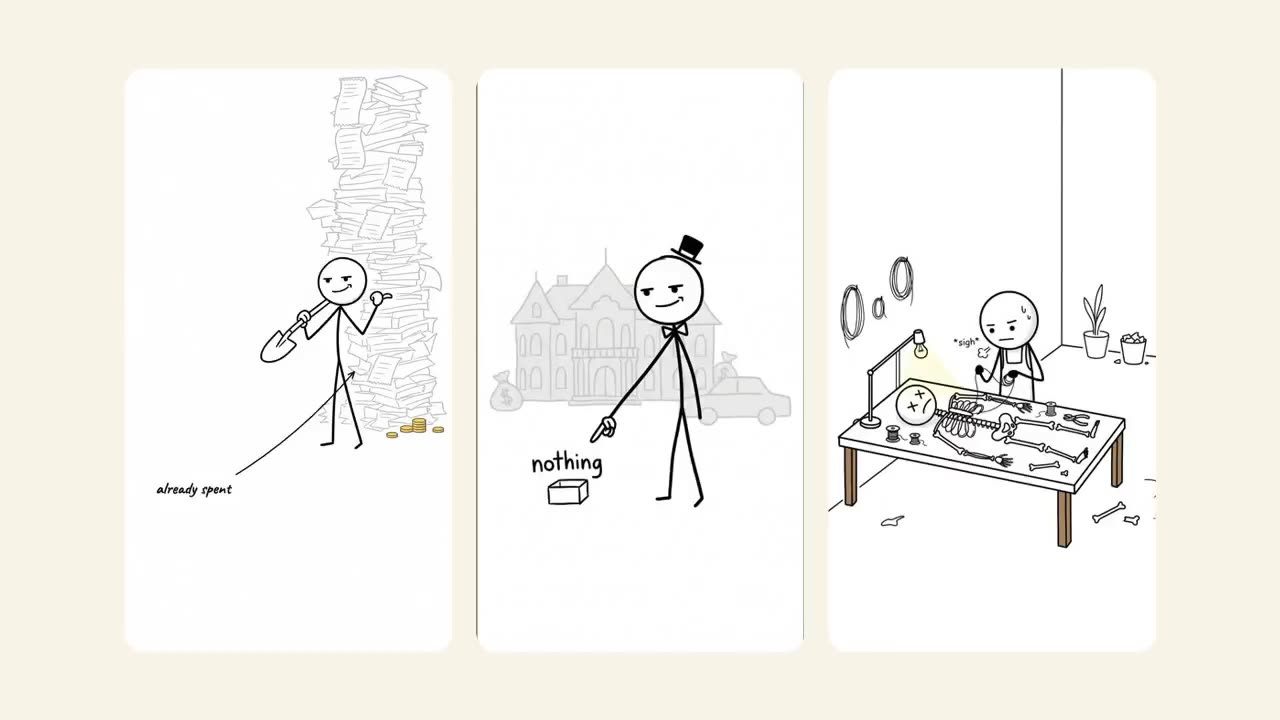 @lowkeyexplains@lowkeyexplains
Give it an argument, get a stick-figure explainer.
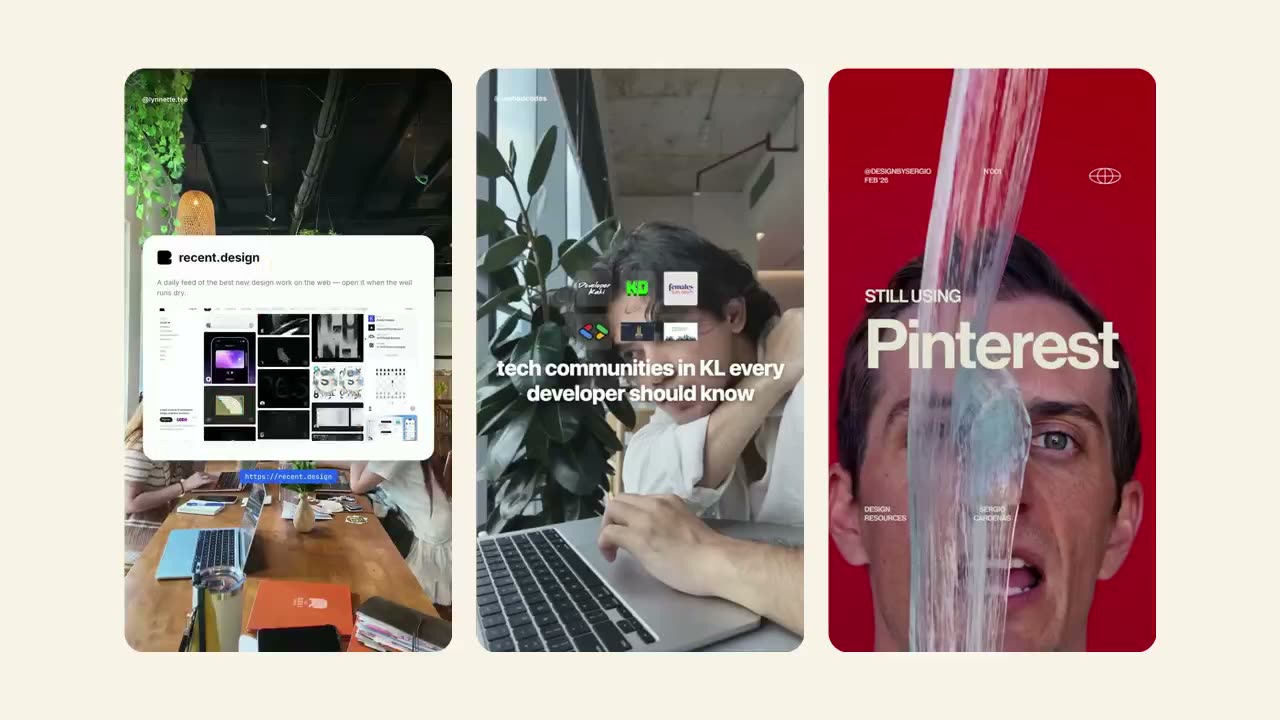 @rashadcodes@designbysergio
Hand over a list of picks, get a run-through against a video backdrop.
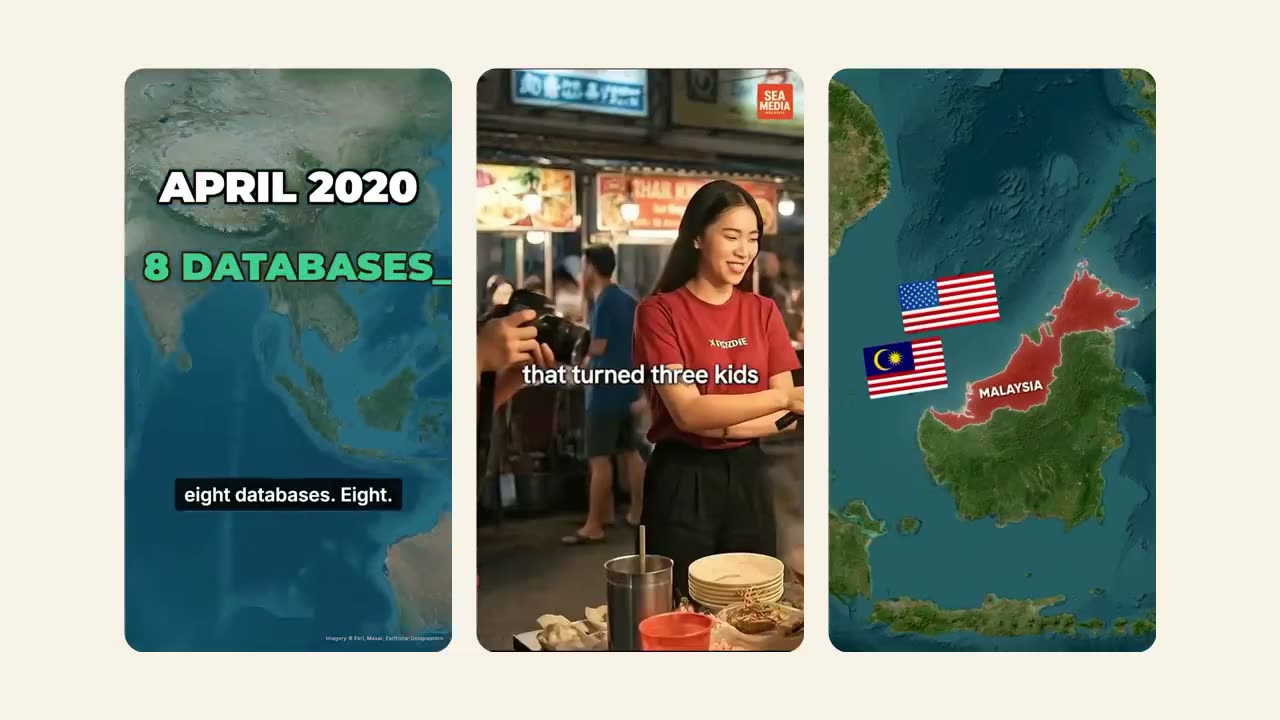 @seamedia.my@hgp.world
Turn an origin story of a person or company into a narrated montage with a map flying over it.
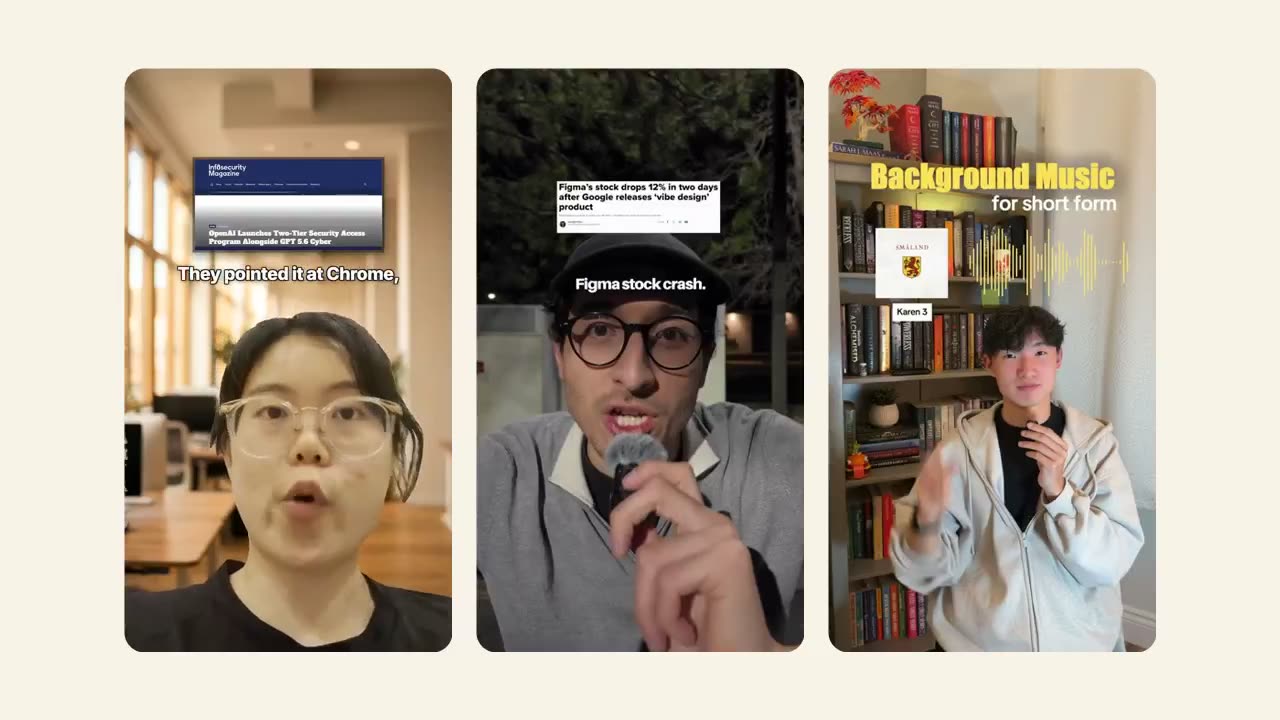 @realrobertgutierrez@martinwang.mp4
Get a take with receipts displayed above your head.
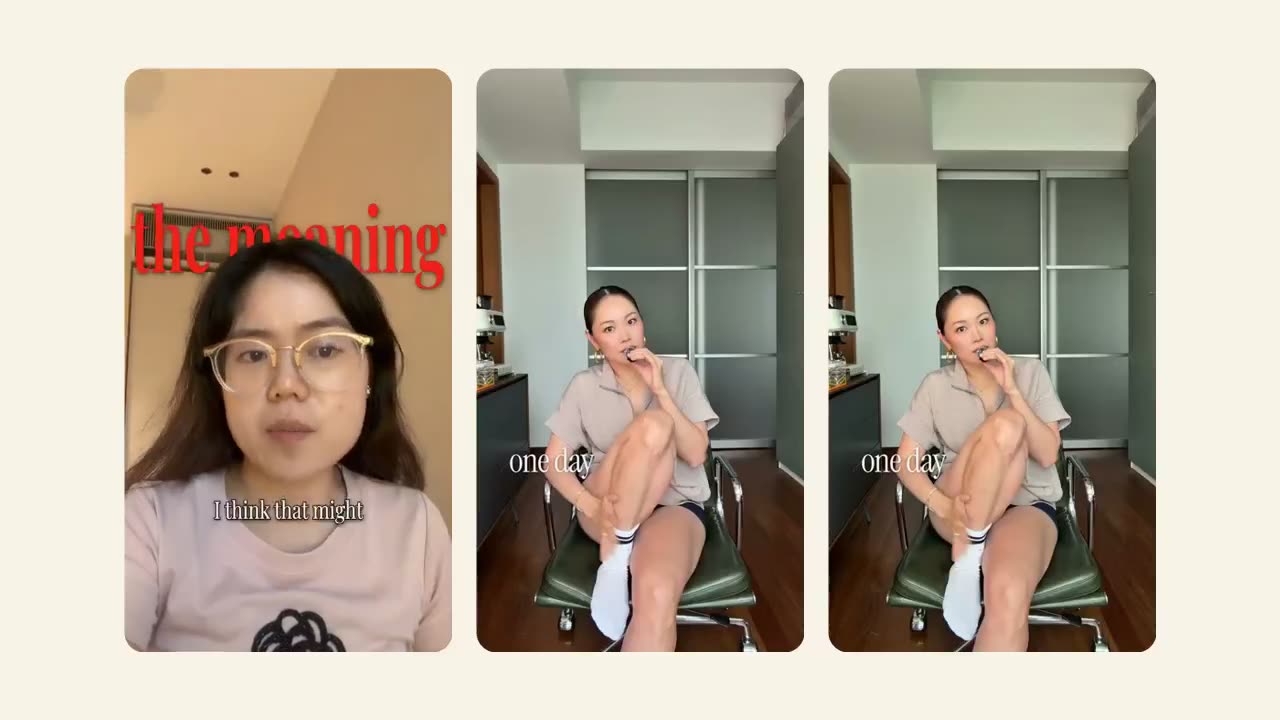 @coolmumdianna@coolmumdianna
Give a video clip with your big takes, and get bigger words on two layers.
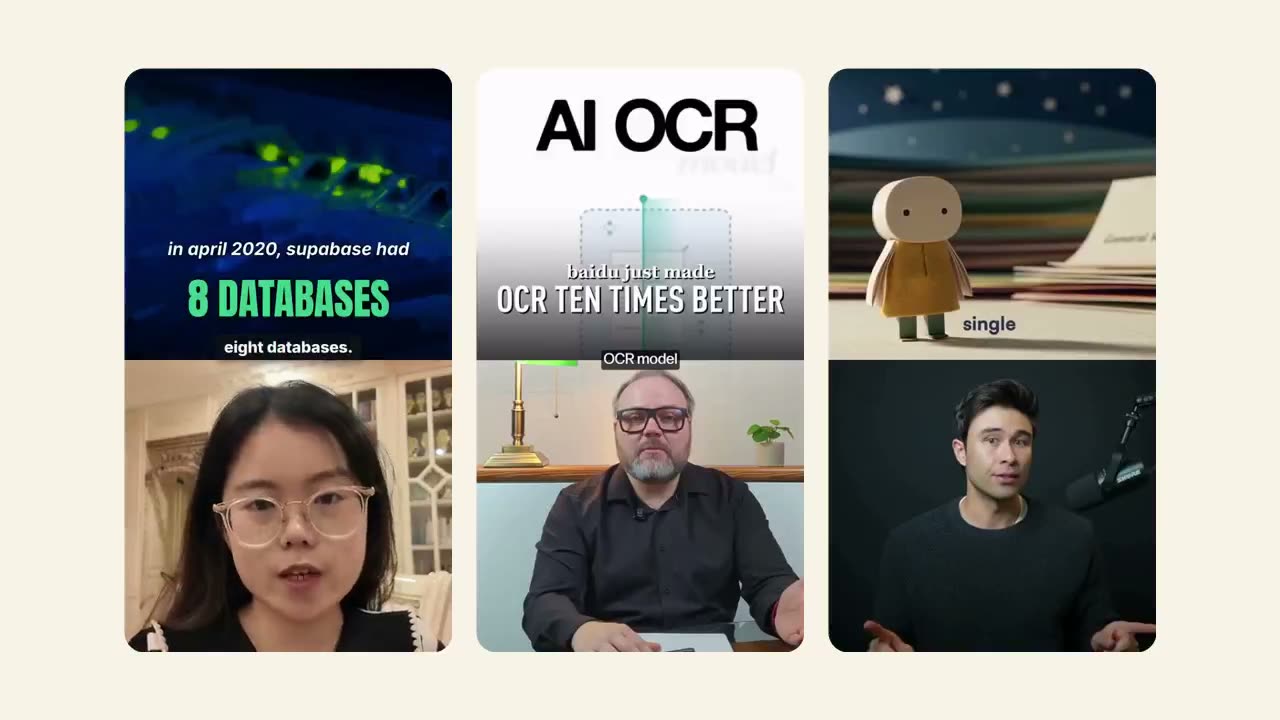 @ai.honeycove@rowancheung
Give us your take, and get a split screen b-roll above you.
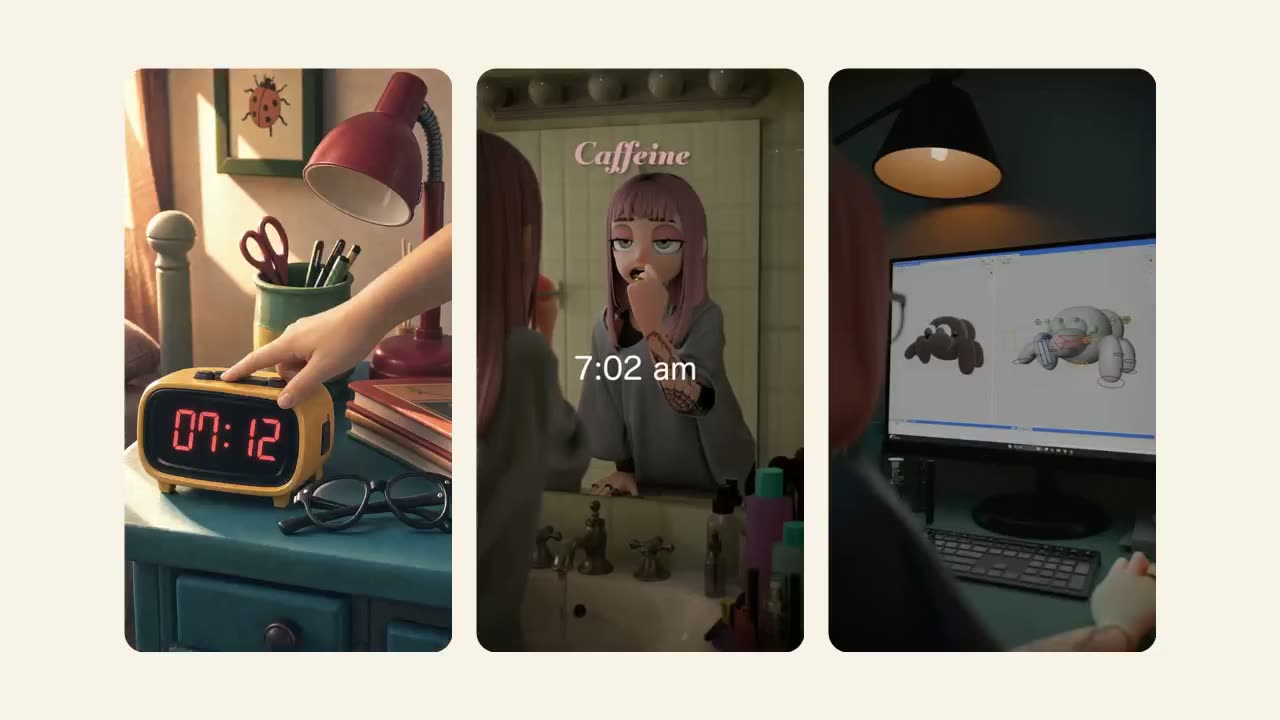 @studio.wrong@studiowrong
Describe a story, get a drawn animated short.
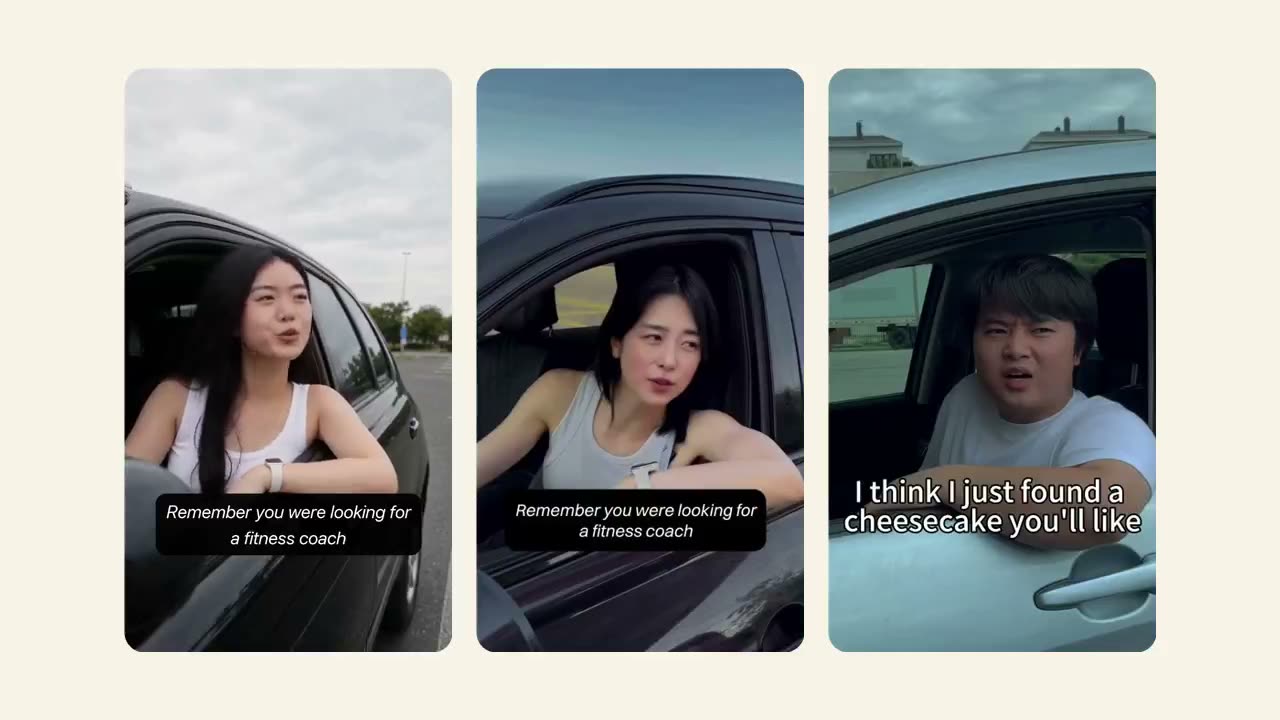 @yogasong_hayeon@edoafterwork
Recreate the situational skit Leonardo trend to sell your business.
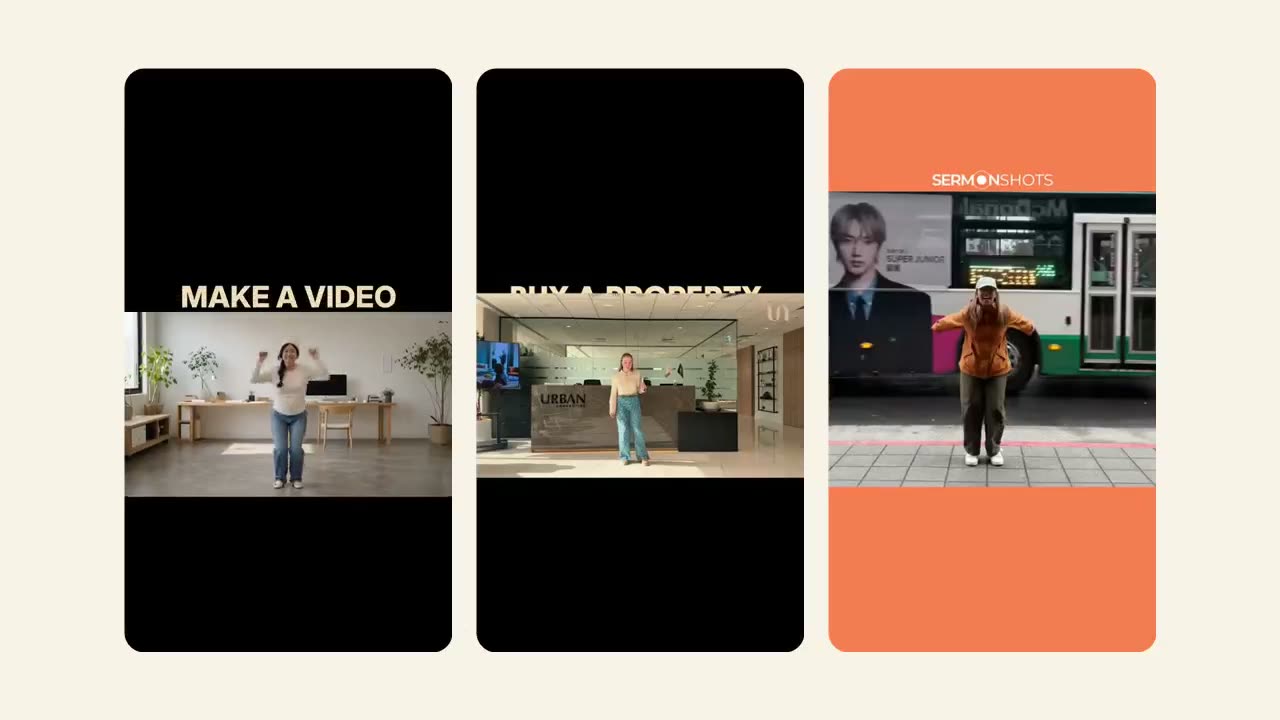 @urban.dxb@sermonshots
Give it a short message, get a six-second take that uncovers it on each jump.
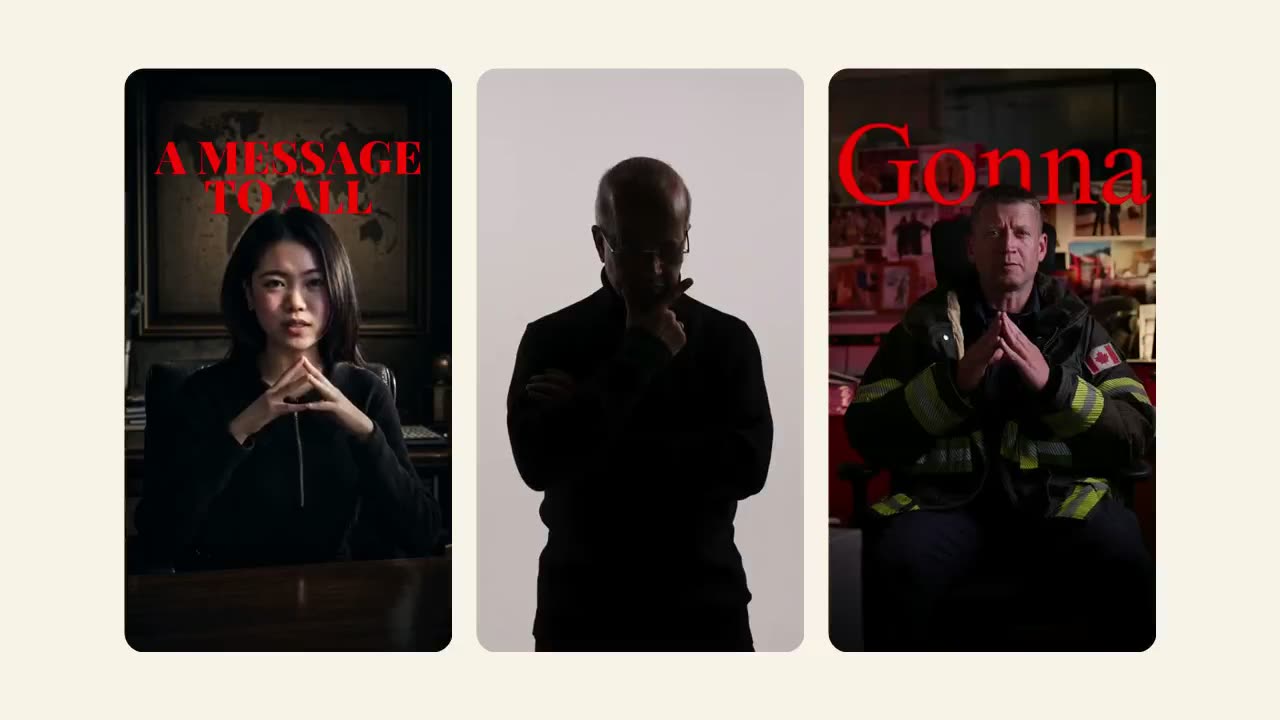 @thekumarmethod@captaintoddb
Bring your angle, get a deadpan desk piece with giant red words behind you.
You probably need more than just one video for your upcoming campaign.
As founders ourselves, we want to help one another. If you are a VC-backed founder, we will give you an additional $100 worth in Videoclaw credits when you sign up.
Eligible for the first 100 startups who apply.
Apply here →